
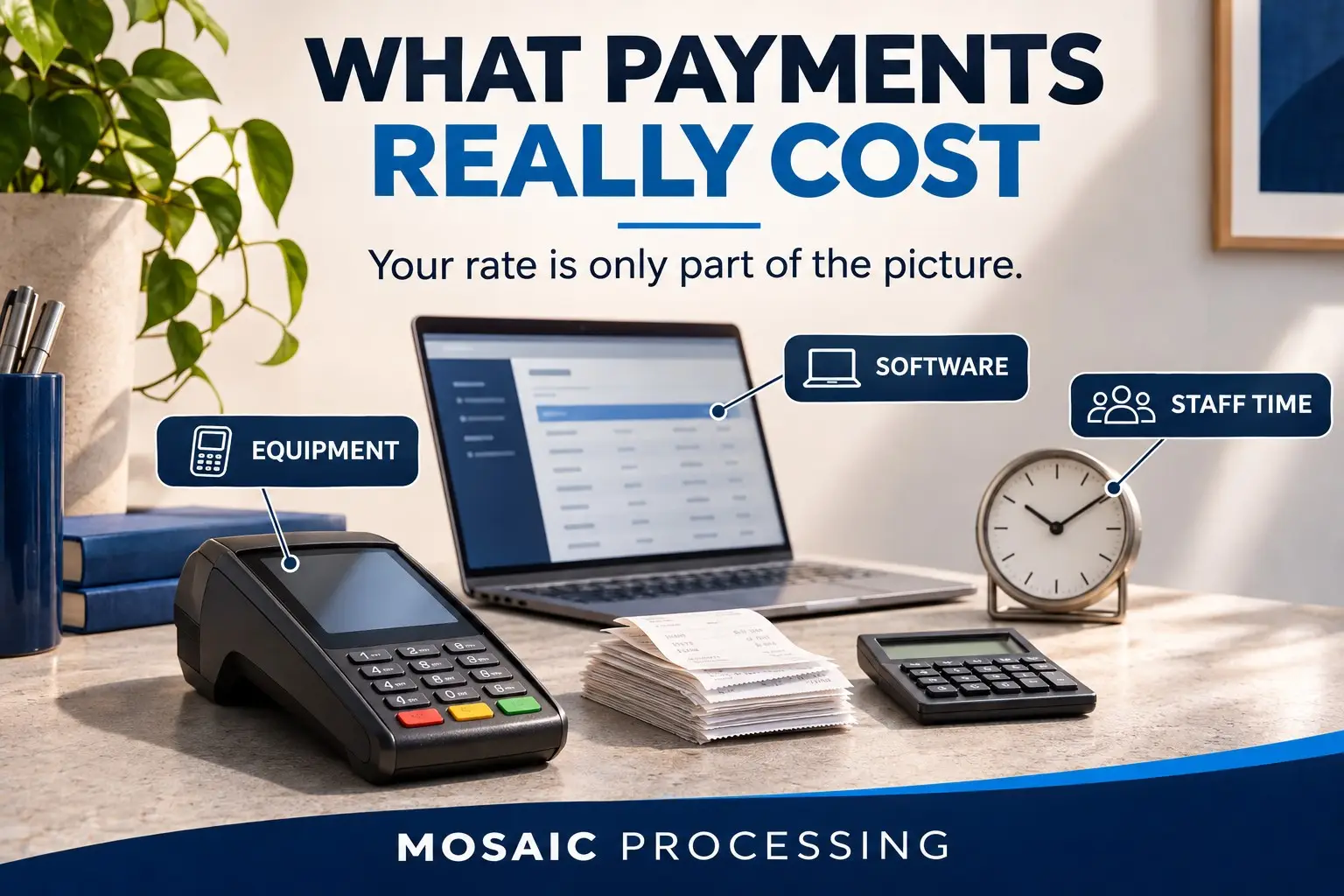
A lower processing rate sounds good. It should. Nobody wants to pay more than they need to.
But a rate tells you only part of what it costs your business to accept payments.
There is the equipment. The software. The time someone spends matching deposits to sales. The afternoon lost when a terminal stops working and nobody seems to own the problem.
Those costs belong in the conversation, too.
At Mosaic Processing, we want to understand how your business works before recommending a payment setup. That means looking at what you pay and what your team has to do to get paid.
Start with these five questions.
1. What are you paying to process transactions?
Start with the statement, but look beyond the percentage in the sales pitch.
Ask about per-transaction charges, monthly fees, gateway fees, minimums, and other costs that apply to your account. Find out which charges are included in the quote and which will appear separately.
The comparison should reflect your actual business. A shop with lots of small purchases has different needs than a company collecting a few large invoices. Online, phone, and in-person payments may also be priced differently.
Bring two or three recent statements. Then ask for a comparison based on the same payment volume and transaction mix. You should be able to follow the math and understand every assumption.
2. What does the equipment cost over its useful life?
A terminal may be purchased, rented, leased, or included in an agreement. The upfront price does not tell you what you will pay over the time you use it.
Ask about setup costs, monthly payments, replacement costs, and required software subscriptions. Find out who owns the equipment and what happens if you leave the provider.
If equipment is described as free, ask what conditions come with it. If it is leased, compare the total payments over the contract with the purchase price and any services included.
And check whether the equipment can move with you if you change processors. Hardware you have to replace during a switch belongs in that comparison.
3. Does it connect to your existing software?
Your payment system has to work with the tools your business already uses.
That could be a point-of-sale system, an online store, accounting software, a booking platform, or a practice management system. The important question is what the connection actually does.
Ask for a demonstration of your normal workflow. Run through a payment, a refund, and the reporting your team uses. If you take deposits or recurring payments, include those.
Does the payment automatically update the right record? Do refunds carry through? Can your team see the information it needs without entering the same details twice?
Confirm compatibility and any integration fees before making a change. A lower rate can lose its appeal quickly if someone has to rebuild the daily process around it.
4. How much staff time goes into reconciliation and troubleshooting?
Reconciliation means matching your sales, refunds, fees, and deposits so you know where the money went.
If someone on your team spends hours sorting that out, the time has a cost. The same is true when an owner has to stop working to track down a missing deposit or call three companies about one terminal.
Ask the people doing the work where they get stuck. How many reports do they open? What do they enter by hand? Which problems keep coming back?
Then ask the provider how support works. Who handles equipment issues? Who helps with deposits or reporting? What happens when the problem involves both the processor and the software company?
You should know who to contact and how an issue gets resolved before a customer is standing in front of you waiting to pay.
5. What happens when your business adds locations or changes systems?
A payment setup should fit the business you have today and give you a clear view of what happens next.
If you open another location, can you see the activity together while keeping each location’s reporting separate? What will additional equipment and software cost? Can access be set up for the people who need it?
If you change software or providers, ask what can move with you. Transaction history and saved payment credentials may have different export or transfer limits. Get those answers before you need them.
Include contract exit costs, setup fees, staff training, and any period of paying for both systems in a proposed switch. Savings need to hold up after those costs are counted.
Bring us the statement. Tell us what is getting in your way.
Our values start with relationships and transparency. In practice, that means listening, explaining the costs in plain language, and recommending changes that make sense for your business.
If your current setup is working well, that matters. A review should give you useful information, including when the numbers do not support a switch.
Send Mosaic Processing two or three recent processing statements for a free review. Tell us what works, what takes too much time, and what you are planning next. We can walk through the statement together and identify the equipment, software, and operating questions that need a closer look.